Site Observation and Near Miss Reporting Software
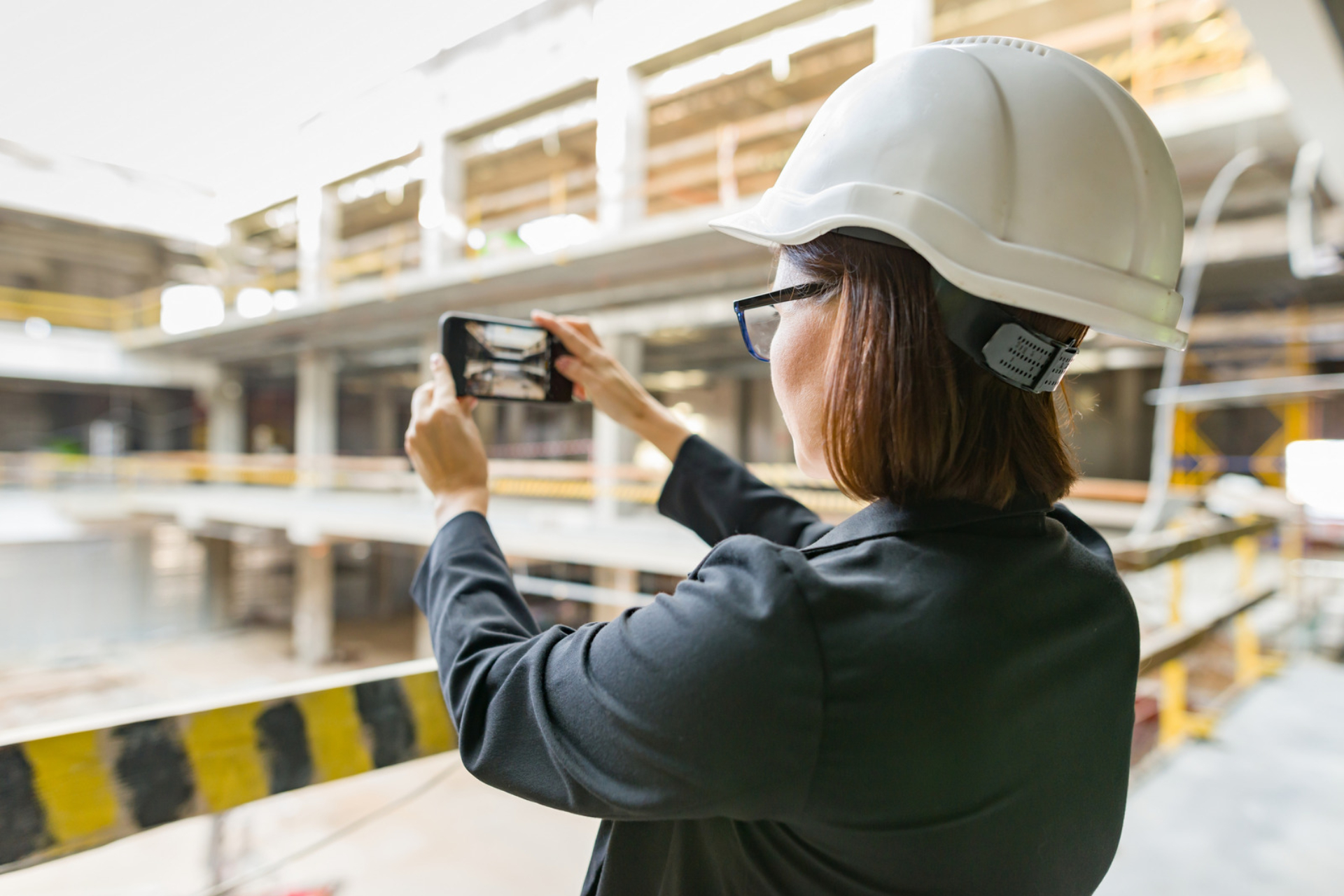
Video observations for safety, quality and anything else on site: point your phone, film and talk in any language, and AI writes the report, classifies it and sends it to the relevant team.


The form was never what stopped people reporting what they see on site. Literacy, language and "I'll log it later" were. SiteAssist Observations removes all three: point your phone at what you have noticed, film it and say what is wrong, and the report is written for you.
At a glance
- Point, film, talk. An observation is raised from a short video on a phone.
- For any kind of observation: safety hazards and near misses, quality issues, environmental concerns or good practice.
- Works in any language, and from the footage alone if the person does not want to speak.
- AI transcribes what was said and writes a full report in English.
- Risk and category are classified automatically, and high-potential hazards are flagged straight away.
- The relevant team reviews it and turns it into an assigned task in one tap.
Why so much goes unreported
Every project wants more observations: the near miss before it becomes an incident, the defect before it is covered up, the spill before it spreads. In practice, reporting depends on someone stopping work to fill in a form.
That is where reports are lost:
- The operative who is dyslexic and will not write in front of colleagues.
- The crew member whose first language is not English.
- The issue that gets "I'll log it later" and never does.
None of these people lack the will to report. The method gets in the way.
How video observations work
- Spot something, raise it in seconds. Open Observations in the SiteAssist app and start a new observation, right where you are standing.
- Point your camera and talk. Film what you have seen and describe it in your own language, including Romanian, Polish, Lithuanian and many more.
- Your words, transcribed instantly. AI turns what you said into a written transcript, ready to review.
- A full report, written in English. A clear summary is generated for you, with the original language kept alongside it.
- Risk and category, classified automatically. The observation is sorted by type and risk. High-potential hazards are flagged straight away.
- One tap turns it into an assigned task. The relevant team sets an owner, priority and due date, with the video evidence already attached.
What makes it different
Not only for safety
An observation can be a hazard or a near miss, and it can just as easily be a quality defect, an environmental issue, poor housekeeping or an example of good practice. Each one is categorised and goes to the team responsible for that kind of issue.
Any language, or no words at all
People report in the language they are most comfortable with. The AI also works from the footage alone, so someone who does not want to speak can simply film the problem.
No form for the person reporting
The structured record is produced from the video. The person who noticed the issue does not type or tick anything.
One language for the reviewing team
Observations raised in different languages are reviewed in English. The original transcript stays attached to the record.
Observations that lead to action
An observation becomes a task with an owner, a priority and a due date. The task stays linked to the observation and its video until it is closed.
Part of the same record
Observations sit in the same platform as permits, inspections, briefings and registers, so an issue reported on site can be seen alongside the work happening around it.
Built on Capture by SiteAssist
Video Observations is the first feature built on Capture by SiteAssist, our AI that turns video and voice into structured workflows. It launched in July 2026. In the first four months, more than 2,800 observations were captured across the platform, in 6 different languages.
Who it is for
Health and safety, quality and environmental teams, site managers and supervisors, and everyone on site who notices something that is not right, including subcontractors and operatives who would never fill in a form.
Frequently asked questions
What is an observation?
An observation is a record of something noticed on site that someone should know about. It can be a safety hazard, an unsafe act or condition, a near miss or close call, a quality defect, an environmental concern or an example of good practice.
Is it only for health and safety?
No. Observations are classified by category, so quality, environmental and other issues are raised in the same way and reviewed by the relevant team.
Do people need to speak English?
No. They can describe what they see in their own language. The report is written in English and the original transcript is kept.
Does it work if the person says nothing?
Yes. The AI analyses the content of the video as well as the audio, so an observation can be created from the footage alone.
What happens after an observation is submitted?
It goes to the relevant team for review. They can turn it into a task with an owner, priority and due date, which is tracked until it is closed.
See video observations in action
Request a demo using the button at the top of this page, explore the platform, or read about site inspections.
47 England LN
NW3 4YD, London
United Kingdom


